The Intentional iPhone System
Light. Frame. Time. A Course by Arian Rousta

Stop wasting your iPhone camera.

Your iPhone is already capable of better photos. The difference is rarely the camera — it's how you see, frame, and use what's already in your hand.

Get Instant Access One-time · $27 · 7-day refund
Available now 00 / Hero
01 · REFRAME

Most people don't need a better camera. They need better decisions.

Light · Frame · Timing · Restraint

Better photos usually come down to a few things — light, framing, timing, and knowing when to stop. That's why one person can pull a clean, intentional shot from an iPhone, while someone else gets something flat from the same device.

Shot on iPhone — Los Angeles from above
Shot on iPhone

The vantage is rare. The decisions are not.

— Los Angeles, from above
02 · PROOF

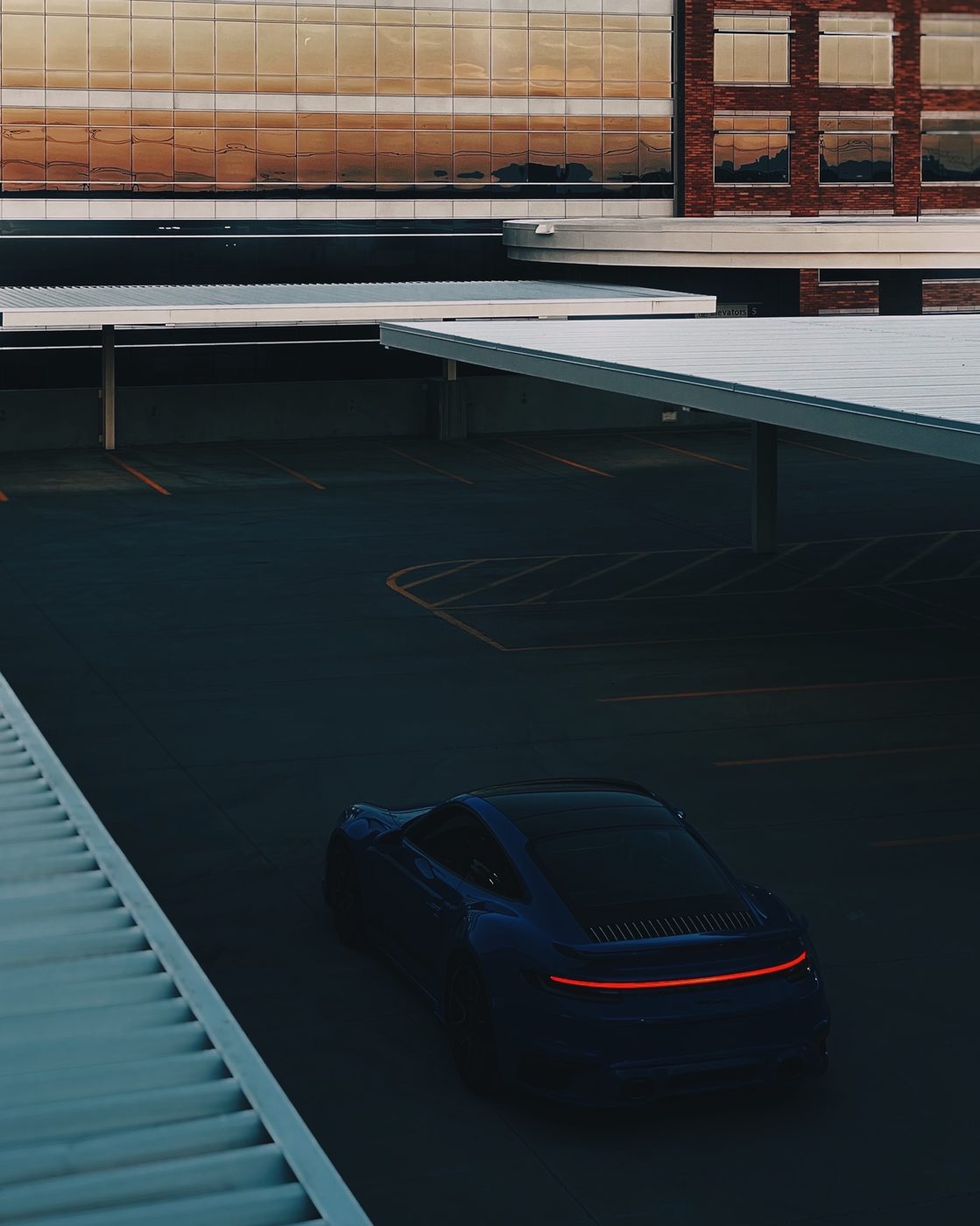
Every one of these was shot on an iPhone.

Phoenix to Abu Dhabi. Snow to gold-hour to dusk. One phone. Edits under three minutes each.

Shot on iPhone · Edited in under three minutes each

03 · PRINCIPLES

Three decisions make every photo.

Not filters. Not gear. Not edits. The difference between a photo that feels like nothing and one that feels like something is almost always these three.

Light01
Direction over brightness.
Soft, directional light shapes a subject. Flat light flattens it. Read the light before you raise the phone.
Frame02
Simplify the frame.
Remove distractions. Decide what matters. A cleaner frame does the selling, clutter dilutes every photo.
Timing03
Timing changes everything.
Same place, different moment, completely different result. The best shot is usually ten minutes away.
04 · AUDIENCE

You've probably felt at least one of these.

  • 01You want better photos — not a different camera.
  • 02You want a cleaner feed, not a content strategy.
  • 03Your profile is the first impression. You want it to read sharper.
  • 04You care how you show up online. You know it could feel more intentional.
  • 05You'd rather post less and post better.
  • 06You want to stop second-guessing what to share.
05 · SYSTEM

Five modules. Watch in a sitting.

Short, dense, no filler. Each one ends with something you actually do.

Module 01
Why Your Photos Don't Feel Right
Why your photos feel flat, random, or forgettable — and why the problem is rarely the camera. You'll start reading scenes the way better shooters do.
The three invisible mistakes Read a scene in 4 seconds Why "not bad" isn't enough Diagnose before you fix
Module 02
Light, Frame, Timing
The few decisions that make the biggest difference, made before you start editing. By the end you'll be making photos, not just taking them.
Direction > brightness Remove one thing Hour-of-day shortlist When to just wait
Module 03
Edit Without Overdoing It
A cleaner editing process that makes images feel better without making them look forced. Your edits will stop looking edited.
Exposure → Contrast → Temp Subtle texture & grain Where people overcorrect Works in any edit app
Module 04
The 15-Minute Reset
A practical system that takes a photo from random to intentional — repeatable, fast, and runnable on any image.
The 7-step reset card Same phone, same scene Before/after every time Run it weekly
Module 05
What To Do With This Now
How to use what you've learned to build a cleaner profile, a stronger online presence, and a more consistent visual identity.
Post with intention Consistency > frequency Less effort, better feed Attract the right attention
06 · INCLUDED

Three tools you'll actually use.

Included tools to make the system easier to apply in the moment. Print one for your desk. Save the others to your home screen.


The 15-Minute Reset
Same phone.
Same scene.
Different decisions.
01 · Decide what matters
02 · Position for light
03 · Simplify the frame
04 · Take two shots
05 · Edit in order
Included with access
Tool 01 · PDF · PNG The 15-Minute Reset Card A quick visual workflow. Take any photo from random to share-ready in under fifteen minutes.
Intentional Photo
Before you
press the button.
☐ Light direction read
☐ One distraction removed
☐ Subject isolated
☐ Timing worth waiting
☐ Two frames taken
Included with access
Tool 02 · PDF The Intentional Photo Checklist What to check before you take the shot. Five pre-shot decisions, on a card you can open in the moment.
The Edit Order
Stop when it
feels obvious.
01 · Exposure+0.3
02 · Contrast+1.0
03 · Temperature−0.4
04 · Tint+0.2
05 · Subtle grain+0.6
Included with access
Tool 03 · PDF The Edit Order Cheat Sheet A cleaner way to edit without overdoing it. The order, the values, the moment to stop. Works in any app.
Shot on iPhone — Los Angeles overlook
Shot on iPhone

Most people would've held their phone up. Wrong call.

— same view, different decision
07 · WHY

Why this exists.

I've been around enough high-end production to know what makes images work. The thing I kept coming back to was how often the iPhone was still the camera that caught the real moment.

Over time, I found myself constantly helping people fix the same things — the light, the framing, the settings, the way they approached the shot. Eventually it was obvious: this was a real gap, and it needed a simple system.

That's what this is. Not a photography class. A better way to use the camera you already have.

Arian Rousta
Creator · @arianrousta
Practical Fast Repeatable iPhone-only No filters No gear
08 · TRANSFORMATION

More than better photos.

A cleaner image changes how people read you online — how your profile feels, how your content lands, how intentional you seem before you say a word. Whether it's your brand, your opportunities, your credibility, or simply a stronger online presence, this helps you show up better with the tool already in your pocket.

Before — casual phone snap Before
After — same scene, intentional After
01 · Visual Cleaner photos, consistently. The same decisions working for you every time you raise the phone.
02 · Presence A feed that actually holds up. A page people screenshot, save, and come back to, instead of scrolling past.
03 · Perception Better first impressions. The right people take you more seriously before you've said a word.
09 · VOICES

Some of the
people using it.

No paid endorsements. No trades. Just people who bought it.
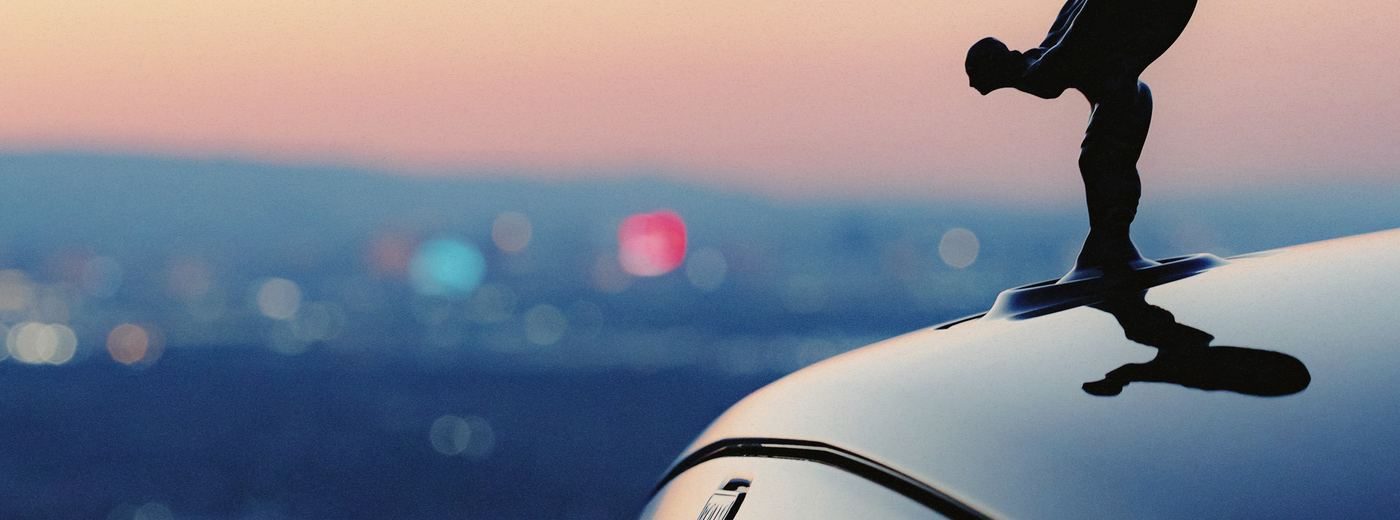
Rolls Royce at sunset — shot on iPhone
Shot on iPhone · Light + Timing
★★★★★
"had my iphone for like 3 years and never thought of it as a camera lol. now my friends are texting me asking where i'm shooting these"
J
James K.
@jameskphoto · 2 weeks in
★★★★★
"used to take 40 photos to get one i actually liked. now i get one i like in like the second or third try. the reset card is on my fridge"
S
Sofia R.
@sofiarojas · 1 month in
★★★★★
"was honestly skeptical going in. how much can a $27 course really teach. a lot apparently. i've recommended it to 4 people already"
M
Marcus T.
@marcust · 3 weeks in
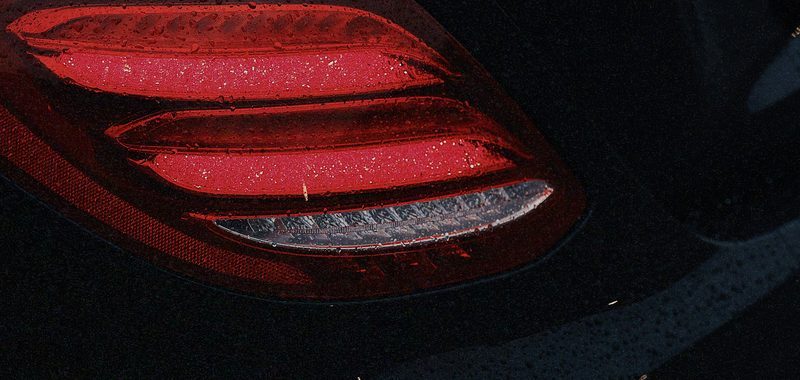
AMG taillights — shot on iPhone
Shot on iPhone · Frame + Detail
★★★★★
"day 3 my girlfriend asked if i got a new camera. same phone. just shooting in the right light now"
A
Amelia W.
@ameliawanders · Day 3
10 · OFFER

Get the eye in ninety minutes.

Five modules. Three tools. The reset system. Yours the moment you join — and yours forever.

$27
One-time · Lifetime access
Secured by Stripe · Lifetime access · 7-day refund
7-Day Refund 5 Modules 3 Downloads Lifetime Access
11 · ECOSYSTEM

This is where
it begins.

The Intentional iPhone System is step one. Behind it: a three-part arc that takes you from better individual photos, to a coherent visual identity, to using both as leverage.
01
You Are Here
$27
The Intentional
iPhone System
Start here. Learn the core decisions that make your photos feel stronger immediately.
Better light, framing & timing Editing restraint, not over-processing Cleaner, more intentional photos The 15-Minute Reset system
Start Here
02
Deeper Mastery
$67 – $97
The Aesthetic
Content System
Go deeper into visual identity, taste, consistency, and a more cohesive online presence.
Advanced composition & framing decisions Cohesive feed & aesthetic direction Knowing what to shoot and why Content planning around your brand
Coming Next
03
Application Layer
$97 – $197
Content
to Income
How stronger visuals and better presentation can create more credibility, more leverage, and more real-world opportunity.
Use your page as proof Build credibility and trust online Position yourself more intentionally Simple client & business applications
The Full Arc
12 · QUESTIONS

Answers, briefly.

No. The whole point is that the phone in your pocket is enough. A nicer camera won't fix photos that don't read.
Nope. Use whatever app you already have — Photos, VSCO, Lightroom, doesn't matter. The order is what matters, not the app.
Yes — and also if you're already decent but your stuff still feels off. There's no jargon. If you can hold a phone you can do this.
Anywhere a photo of yours shows up — IG, dating apps, your website, a pitch deck, your About page. The principles don't change.
About 90 minutes start to finish. Most people watch it once, then come back to specific modules later.
Seven days. If it didn't help, email me and you get your money back. No forms, no hoops.